


 首頁
首頁 最新消息
最新消息 網路商店
網路商店 連供改裝
連供改裝 清零&維修
清零&維修 影片
影片 ■Youtube頻道(教學影片)
 ■Odysee頻道
 技術支援
技術支援 下載中心
下載中心 關於我們
關於我們 [購物車]
[購物車] [快速留言]
DaiDai系列產品 , 使用說明&教學&資料 , 技術支援 , 標籤機&發票機
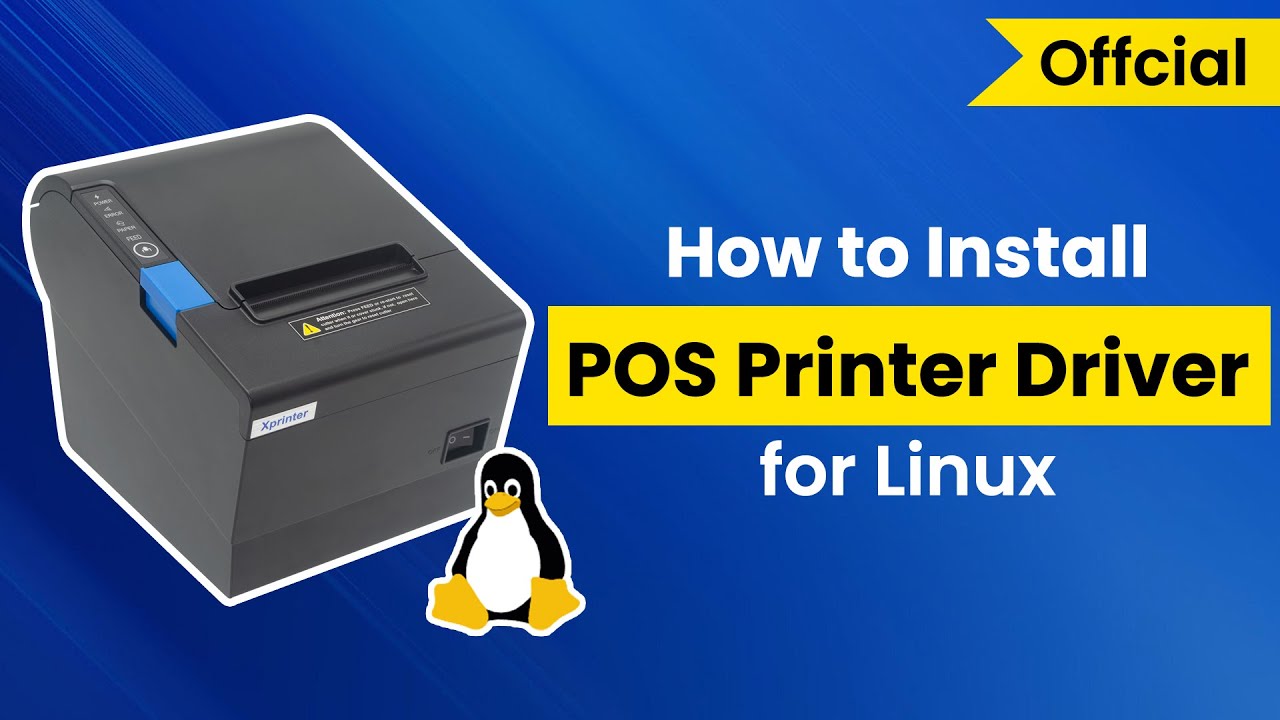
【技術支援】如何在 Centos (Linux系統) 上安裝 芯燁 XP-N160II (XP-Q90EC也適用) 教學
■文章引用於芯燁英文網站 https://www.xprintertech.com/ ,使用了GOOGLE翻譯成中文,如果有反易錯誤部分,請見諒!! 至少能看懂就好了^^
翻譯文(中文):
80 在 Centos 上安裝收據印表機
2019-09-20
Windows 系統並不總是每個人的理想合作夥伴。如果你喜歡一個給你更多自由的夥伴,Linux絕對是你的選擇!而且它也比 Windows 更實惠、更可靠。
將 POS 印表機連接到 Linux ?
使用 POS 印表機是每個企業都必須使用的。然而,驅動程式安裝則是另一回事。以在Centos上安裝XP-80印表機驅動為例:
查看整個教學流程:
步驟1
打開終端機並輸入下面的虛線代碼,按“Enter”進入
頁面
[walter@bogon Desktop]$ ls
XP-80
[walter@bogon Desktop]$ su
密碼:
[root@bogon Desktop]# chmod 777 XP-80
[root@bogon Desktop ] ]# ./XP-80

步驟2
打開連結並新增印表機
進入頁面後,進入下方開啟連結:http://localhost:631 和http://127.0.0.1:631,點選連結新增印表機。 
在這一步驟中,您需要通過幾個頁面上的幾個選擇按鈕,然後輸入root和密碼,如下所示:
在名稱中輸入“80”

步驟3
選擇印表機並完成安裝。
安裝很快就會完成。選擇 XP,
XP-80 (en) 即可下載。
印表機新增成功,開啟印表機管理頁,列印測試頁以確保安裝正確。
採取所有步驟後,Xprinter 將為您的業務提供協助。
然而,
Linux 中的驅動程式安裝有點複雜。且安裝過程會因Linux版本的不同而有所不同。不用擔心,我們會分享其他版本的教學影片。
原文(英文):
80 Receipt Printer Installation on Centos
2019-09-20
Windows System is not always an ideal partner for everyone. If you love a partner giving you more freedom, Linux is absolutely your choice ! And it is more affordable & reliable than Windows as well.
Connect POS Printers to Linux ?
Using POS printers is a must for every business. However, Driver installation is a different story. Take installing XP-80 printer driver on Centos for example:
Check this out for the Whole Tutorial Process:
Step 1
Open the terminal and input dashed code below , press “Enter” to go to a
Page
[walter@bogon Desktop]$ ls
XP-80
[walter@bogon Desktop]$ su
Password:
[root@bogon Desktop]# chmod 777 XP-80
[root@bogon Desktop]# ./XP-80
Step 2
Open the link and add printer
After you enter a page, go below to open the links:http://localhost:631 and http://127.0.0.1:631 , click the links to Add printers.
In this step, you need to go through a few selection buttons on a few pages , then enter root and password shown as follows:
Enter “80” on the Name
Step 3
Select Printer and finish the installation.
The installation will finish soon. Just select XP,
XP-80 (en) to get it down.
The printer is successfully added, open the printer management page, print the test page to make sure proper installation.
After all the steps were taken, Xprinter is about to help your business.
However,
Driver installlation is a bit complex in Linux. And the installation process will be different because of the version of Linux. No worries, we will share the other tutorial video of other versions.